An Honest Review of Miss Freddy's Backup Bootcamp
Disclosure: This post contains affiliate links. If you purchase through my link, I may earn a commission at no additional cost to you. I only recommend products and programs I have personally used and genuinely believe in.
The course that completely changed my relationship with my photos and helped me finally create a system to organize and protect them.
We all have a story of data loss. Here’s mine.
The Moment That Changed Everything
Imagine a regular, ho-hum afternoon. I strolled through my front door, daydreaming about dinner plans when WHAM! My jaw hit the floor. My living room was a mess, and all our electronics were gone. The TV, my new computer, my beloved camera, even money and jewelry. All gone from a break-in!
The worst part? Just days before, I’d just completed the painstaking task of crafting a year's worth of memories into a beautiful photo book. It was ready for the printer, and the photos from that year were safely stored on my computer and camera. Or so I thought. I had never bothered to figure out the whole "backing up" thing. My heart sank as I realized those photos were gone.
I was devastated. The material things could be replaced, but those memories were gone forever. I searched high and low: fired up an ancient MacBook, emailed friends and family, scoured Facebook for any photos I could find. I recovered a handful, but most were lost.
It was a painful lesson. I realized how critical it was to have a backup plan for my photos. I promised myself I’d never go through that heartache again. But I confess, I didn’t figure it all out on my own.
Enter Backup Bootcamp
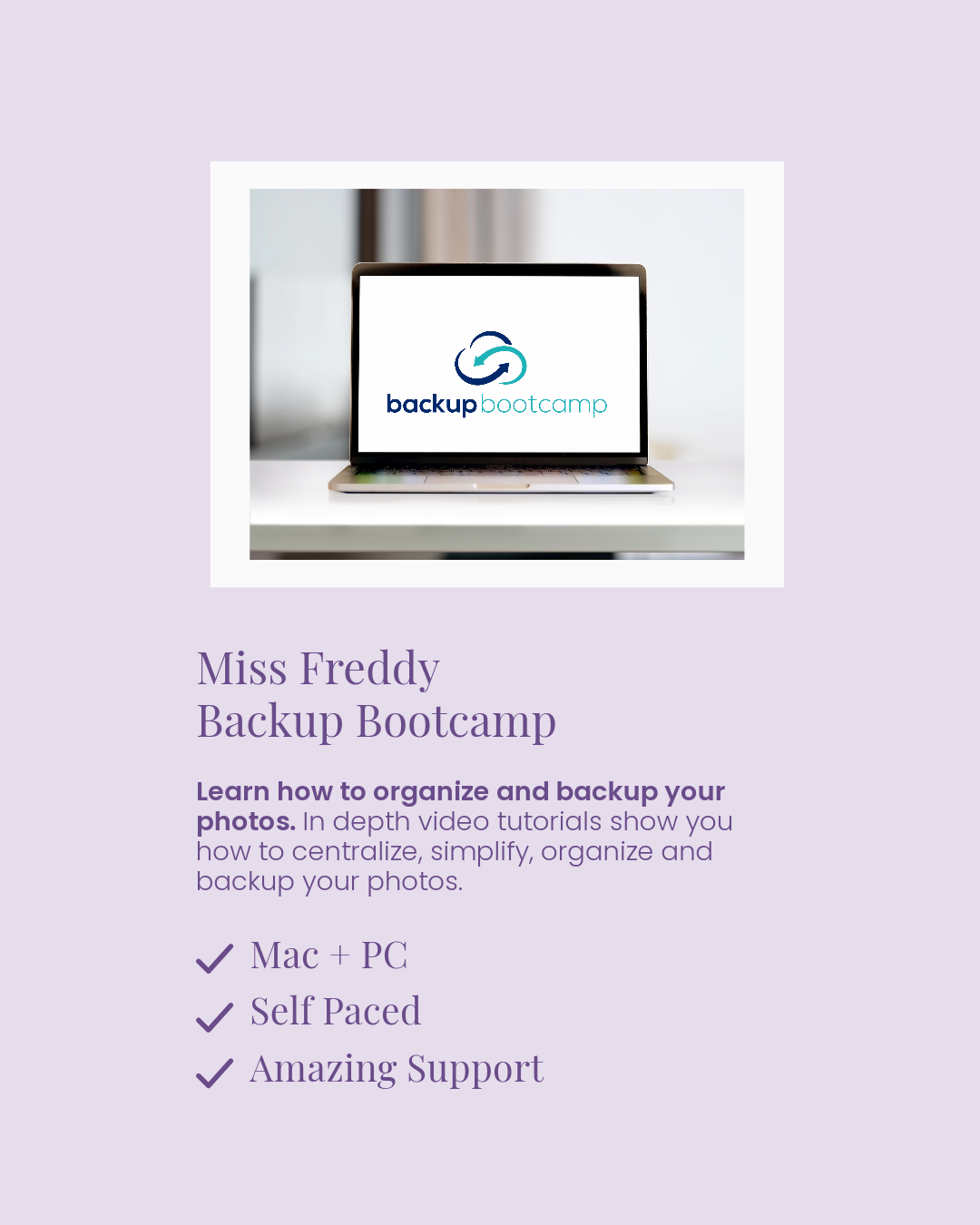
That's where Miss Freddy's Backup Bootcamp came in.
I’d heard about the course, but I was skeptical at first. I didn’t think it could be as easy as she made it sound. But after experiencing what I had, I was willing to give anything a shot.
The course is a step-by-step guide on how to centralize your photos, remove duplicates, sort them into chronological folders, and back them up to both the cloud and an external hard drive. I dove in, and within two weeks, my scattered photo collection was not only organized but backed up on an external hard drive and Amazon Photos. No more sleepless nights worrying about losing my photos!
How Backup Bootcamp Helped Me Take Control of My Photos
I started with 127.95 GB and 25,672 of photos scattered across:
An old laptop
A Mac desktop
An external hard drive
My iPhone
15 CDs
Google Photos
After going through the course, I removed 3,623 duplicates and my final library size was 90.95 GB. I saved 37 GB of space!
It was honestly exactly what I needed. The course is affordable, easy to follow, and has short video tutorials that walk you through every step. Plus, there’s a direct chat feature if you ever get stuck, because we all know tech can be tricky.

Why I Still Recommend Backup Bootcamp
Fast forward several years, and my life looks very different from it did when I first took the course.
But one thing hasn't changed: I still use the same principles I learned inside Backup Bootcamp.
My photos are organized, backed up, and easy to find. More importantly, I have confidence that the memories that matter most are protected.
That peace of mind alone has been worth it.
Is Backup Bootcamp Worth It?
If you're feeling overwhelmed by thousands of photos scattered across phones, computers, cloud accounts, and old hard drives, Backup Bootcamp gives you a clear path forward.
The method is simple yet powerful, comprising four steps:
1. Centralizing Your Photos
2. Removing Duplicates
3. Sorting and Organizing
4. Backing Up
So consider this more than just a course review.
It's the story of how I stopped avoiding my photo mess, created a system that finally made sense, and gained peace of mind knowing my memories were safe.
If you've been putting off organizing your photos because you don't know where to start, I highly recommend checking out Backup Bootcamp.
It completely changed my relationship with my photos, and years later, it's still the system I recommend most often.
PS. The link to Miss Freddy’s Backup Bootcamp is an affiliate link, which means I may make a small commission (at no cost to you) if you make a purchase. With each click, you're not only enhancing your own digital life but also supporting small businesses like me who share their journeys.